CRUX
Ikke kategoriseret
VIMMB-85O
CRUX VIMMB-85O Brugsanvisning
Her er CRUX VIMMB-85O (Ikke kategoriseret) brugervejledning. 1 sider på sprog med en vægt på 270,017.0 Mb. Hvis du ikke kan finde svar på dit problem Spørg vores community.
Side 1/1
MERCEDES BENZ
2015 – Up AMG GT
2015 Up C Class* –
2016 – Up GLC
2016 – Up Metris
2014 – Up S Class
*Not compable with CLA45
- No need to remove the radio just plug into the OBD II port.
- Compable with Comand NTG5 systems.
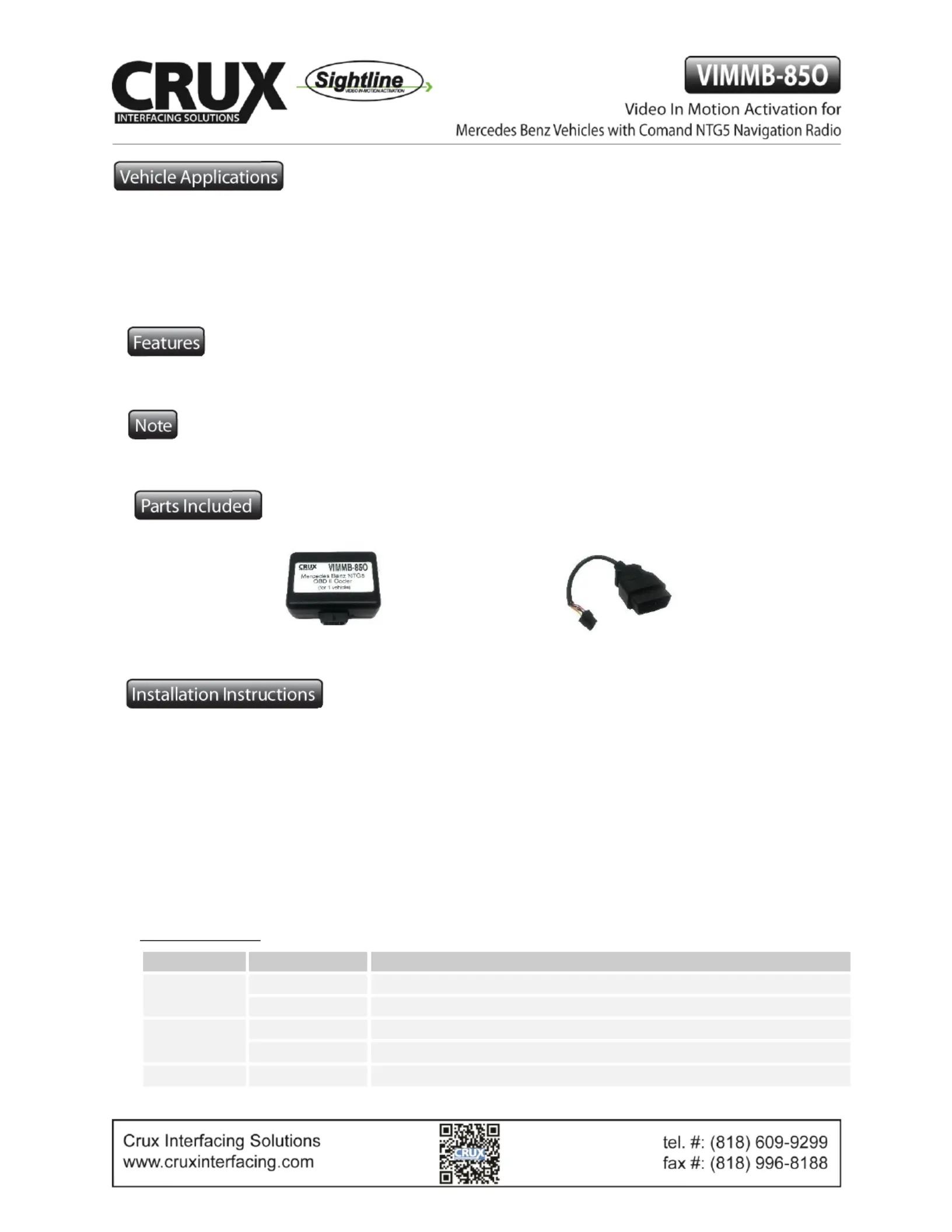
VIMMB-85O MODULE
OBD II PLUG
1. Locate OBD-port and remove cover.
2. Turn on ignion.
3. Wait unl the head-unit has completely booted.
4. 85O Plug the VIMMB- into OBD-port which is usually located under the steering column.
5. Leave coder for about 30 seconds in OBD-port unl the Green LED has a steady light.
6. Remove coder from the OBD-port.
To reverse the coding repeat steps 1- 6.
Aer the rst use on a vehicle, the VIMMB-85O is personalized to this vehicle and can be used unlimited mes
to code or reverse coding on this vehicle only.
LED Informaon:
LED
Status
Descripon
Green
Solid
Coding procedure successfully completed
Flashing
Coding process in progress
Red
Solid
Remove coding procedure successfully completed
Flashing
Coding process failed / license violaon
Green + Red
Solid
CAN Communicaon Error! - Abort of the diagnosc session
1
Rev.11106
Problemløsning CRUX VIMMB-85O
Hvis du har læst manualen omhyggeligt, men ikke fundet en løsning på dit problem, bed andre brugere om hjælp
Specifikationer
| Mærke: | CRUX |
| Kategori: | Ikke kategoriseret |
| Model: | VIMMB-85O |