StarTech.com
Audio/video konverter
VSEDIDDVI
StarTech.com VSEDIDDVI Brugsanvisning
Her er StarTech.com VSEDIDDVI (Audio/video konverter) brugervejledning. 2 sider på sprog med en vægt på 529,932.0 Mb. Hvis du ikke kan finde svar på dit problem Spørg vores community.
Side 1/2
Instruction Manual
DE: Bedienungsanleitung - de.startech.com
FR: Guide de l'utilisateur - fr.startech.com
ES: Guía del usuario - es.startech.com
IT: Guida per l'uso - it.startech.com
NL: Gebruiksaanwijzing - nl.startech.com
PT: Guia do usuário - pt.startech.com
Manual Revision: 02/14/2012
For the most up-to-date information, please visit: www.startech.com
Packaging Contents
• 1xDVIEDIDEmulator
• 1xUSBtoDCPowerCable
• 1xPack,RubberFeet
• 1xInstructionManual
System Requirements
• DVI-Denableddisplaydevice(i.e.monitor,projector,etc.)
• DVI-Denabledvideosource(i.e.computer)
• AvailableUSBportonvideosource(duringCopyonly)
• DVI-Dvideocable(fromvideosource)
• DVI-Dvideocable(todisplay)
VSEDIDDVI
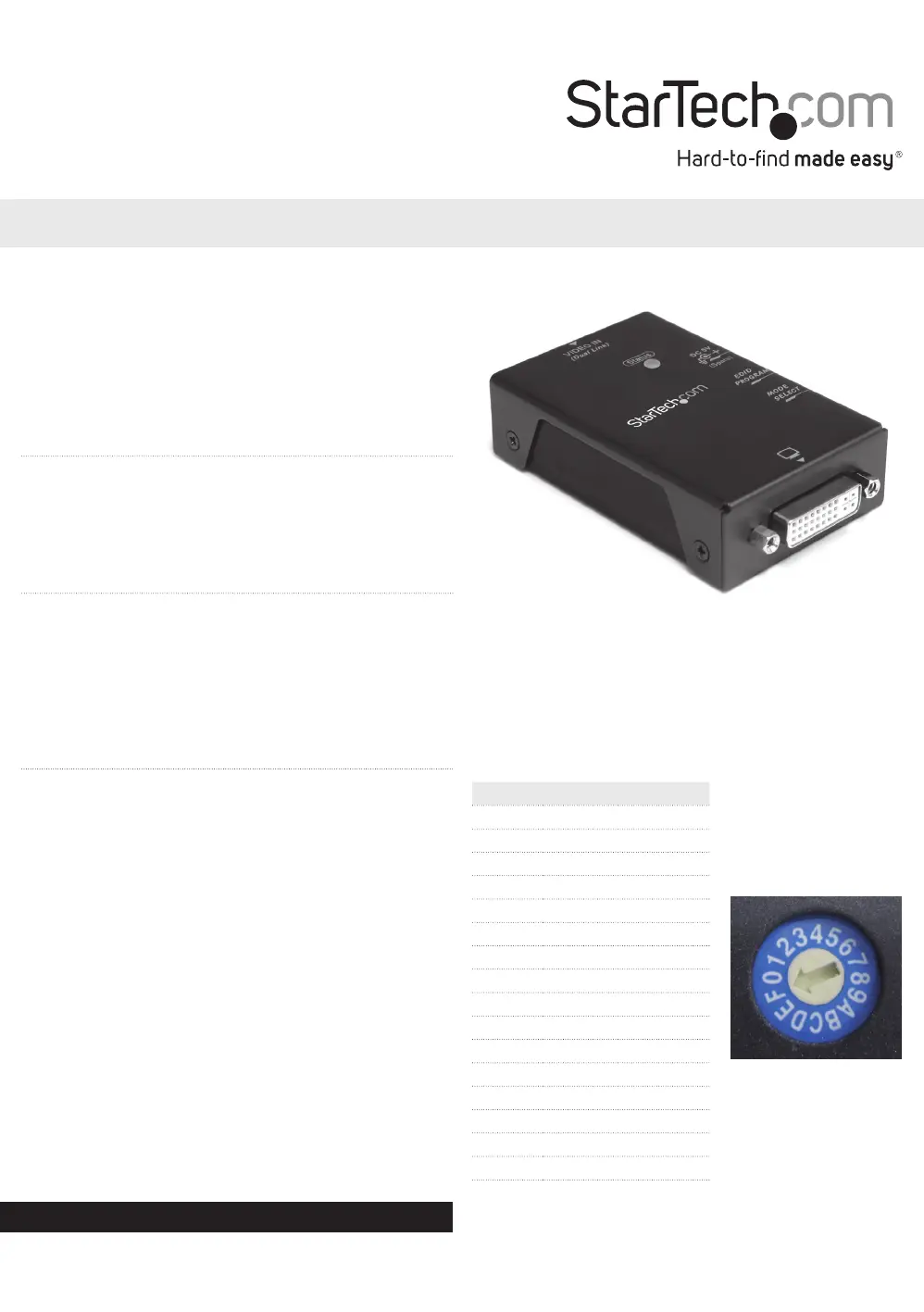
DVI EDID Emulator with EDID Copy
Installation
EDIDinformationcontainsimportantdisplaysettingssuchas
maximumimagesize,colorcharacteristics,factorypre-settimings,
frequencyrangelimits,etc.,andsincemostvideoextendersystems
don’toerEDIDcommunicationbetweenthesourceandremote
display,theDVIEDIDEmulatorisaperfectworkaroundforensuring
theoptimumsignalisprovidedtothedisplaytohelpprolongthe
lifeofyourdisplays.
EDID Copy
Toclone/copytheEDIDfromadisplay.
1. Settherotarydialtoposition1.
2. ConnecttheUSBtoDCpowercablefromtheunit,toanavailable
USBportonthevideosourcedevice(mayneedtobepowered
on)ordisplaydevice.TheStatusLEDwilllightupblue.
3. ConnecttheEDIDcompliantdisplaydevicetotheMonitorport
ontheEDIDEmulatorusingtheappropriatetypeofDVIcable
(DVI-D,dualorsinglelink).Poweronthedisplaydevice.
4. PressandholdtheEDIDPROGRAMbuttonuntiltheStatusLED
starts to ashgreen.TheLEDwillashgreen/redwhilecopying.
5. OncetheStatusLEDreturnstoblue,theEDIDCopyhas
completedsuccessfully.
Preset EDID Emulation
IfyouareunabletoclonetheEDIDfromadisplaydevice,orare
usingnon-EDIDcompliantdisplays,basicpresetEDIDsbuiltintothe
EDID
Emulatorcanbeused.
1. Settherotarydialtothepositionforthemaximumresolutionyou
wishtoset.
Position Description
0 Passthrough
1 EDIDCopy
2 1024x768
3 1280x720
4 1280x1024
5 1366x768
6 1440x900
7 1600x900
8 1600x1200
9 1680x1050
A 1920x1080
B 1920x1200
C 1920x1440
D 2048x1152
E 2560x1440
F 2560x1600
*actual product may vary from photos
Problemløsning StarTech.com VSEDIDDVI
Hvis du har læst manualen omhyggeligt, men ikke fundet en løsning på dit problem, bed andre brugere om hjælp
Specifikationer
| Bredde: | 52 mm |
| Dybde: | 80 mm |
| Højde: | 22 mm |
| Vægt: | 123 g |
| Brugervejledning: | Ja |
| Produktfarve: | Sort |
| Pakkevægt: | 243 g |
| Pakkedybde: | 157 mm |
| Pakkebredde: | 102 mm |
| Pakkehøjde: | 46 mm |
| Opbevaringstemperatur (T-T): | -20 - 60 °C |
| Relativ luftfugtighed ved drift (H-H): | 0 - 80 % |
| Driftstemperatur (T-T): | 0 - 40 °C |
| Husmateriale: | Stål |
| Kabler inkluderet: | USB |
| Certificering: | FCC, CE, RoHS |
| LED-indikatorer: | Error, Power |
| Hovedkassen højde (udvendigt): | 170 mm |
| Hovedkassens længde (udvendigt): | 432 mm |
| Hovedkassens bredde (udvendigt): | 174 mm |
| Maksimal videoopløsning: | 2560 x 1600 pixel |
| Værtsgrænseflade: | DVI-I |
| Intern: | Ingen |
| Driftsspænding: | 5 V |
| USB-drevet: | Ja |
| Ekstern strømadapter: | Ja |
| Produkter pr. hovedkasse (udvendigt): | 40 stk |
| Video porttype: | DVI-I |
| Output-grænseflade: | DVI-I |
| Udvidet display identifikationsdata (EDID): | Ja |
| Antal videoudgange: | 1 |
| Understøttelse af lyd: | Ingen |
| Antal videoindgange: | 1 |