StarTech.com
Netværkskort/adapter
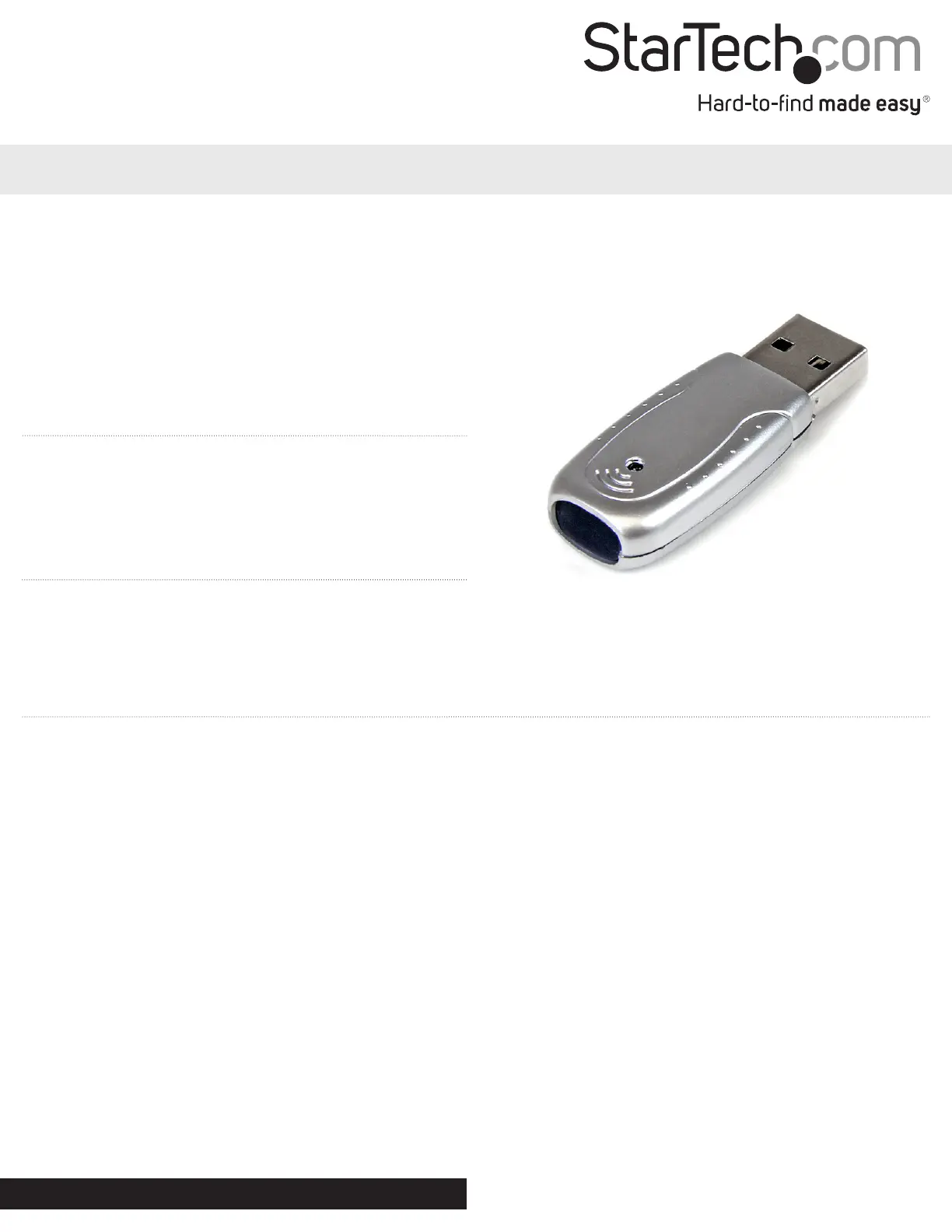
USB2IR3
StarTech.com USB2IR3 Brugsanvisning
Her er StarTech.com USB2IR3 (Netværkskort/adapter) brugervejledning. 2 sider på sprog med en vægt på 421,909.0 Mb. Hvis du ikke kan finde svar på dit problem Spørg vores community.
Side 1/2
Instruction Manual
DE: Bedienungsanleitung - de.startech.com
FR: Guide de l'utilisateur - fr.startech.com
ES: Guía del usuario - es.startech.com
IT: Guida per l'uso - it.startech.com
NL: Gebruiksaanwijzing - nl.startech.com
PT: Guia do usuário - pt.startech.com
Manual Revision: 01/10/2012
For the most up-to-date information, please visit: www.startech.com
Packaging Contents
• 1xUSBtoIRAdapter
• 1xDriverCD
• 1xInstructionManual
System Requirements
• USBenabledcomputerwithavailableUSBport
• Microsoft®Windows®2000/XP/Vista/7(32/64-bit)
USB2IR3
USB to IrDA Infrared Adapter
*actual product may vary from photos
Installation
Windows 2000/ XP
1. UponstartingWindows,plugtheUSBadapterintoanavailableUSBportonthecomputersystem.
2. Ifthe“FoundNewHardware”wizardappearsonthescreen,cancel/closethewindowandinserttheincludedDriverCDintothe
computer’sCD/DVDdrive.
3. AutoPlayshouldautomaticallylaunchanddisplayallofthefoldersontheCDorpromptyoutoviewalllesontheCD.Ifnot,open
“Computer”anddouble-clickontheCD/DVD.
4. Enterthefolder“USBtoIrda1.1”,then“DriversforWindows”anddouble-clickthele“Setup.exe”.
5. ThiswilllaunchthedriverInstallationwizard.Continuethroughthewizardandoncecomplete,allthenecessarydriverswillbeinstalled.
Windows Vista/ 7
1. UponstartingWindows,plugtheUSBadapterintoanavailableUSBportonthecomputersystem.
2. IfconnectedthetotheInternet,Windowswillautomaticallycheckonlineforthedriversandinstallthem.
OR
Ifthe“FoundNewHardware”wizardappearsonthescreen,cancel/closethewindowandinserttheincludedDriverCDintothe
computer’sCD/DVDdrive.
3. AutoPlayshouldautomaticallylaunchanddisplayallofthefoldersontheCDorpromptyoutoviewalllesontheCD.Ifnot,open
“Computer”anddouble-clickontheCD/DVD.
4. Enterthefolder“USBtoIrda1.1”,then“DriversforWindows”anddouble-clickthele“Setup.exe”.
5. ThiswilllaunchthedriverInstallationwizard.Continuethroughthewizardandoncecomplete,allthenecessarydriverswillbeinstalled.
Problemløsning StarTech.com USB2IR3
Hvis du har læst manualen omhyggeligt, men ikke fundet en løsning på dit problem, bed andre brugere om hjælp
Specifikationer
| Bredde: | 19 mm |
| Dybde: | 48 mm |
| Højde: | 11 mm |
| Vægt: | 5.6 g |
| Produktfarve: | Grå |
| Pakkevægt: | 85 g |
| Pakkedybde: | 175 mm |
| Pakkebredde: | 140 mm |
| Pakkehøjde: | 30 mm |
| Opbevaringstemperatur (T-T): | -25 - 80 °C |
| Driftstemperatur (T-T): | -10 - 50 °C |
| Forbindelsesteknologi: | Trådløs |
| Værtsgrænseflade: | USB |
| Intern: | Ingen |
| Maksimal dataoverførselshastighed: | 12 Mbit/s |
| Chipsæt: | Sigmatel - STir4200 |