StarTech.com
AV forlænger
ST121DVI25
StarTech.com ST121DVI25 Brugsanvisning
Her er StarTech.com ST121DVI25 (AV forlænger) brugervejledning. 2 sider på sprog med en vægt på 659,936.0 Mb. Hvis du ikke kan finde svar på dit problem Spørg vores community.
Side 1/2
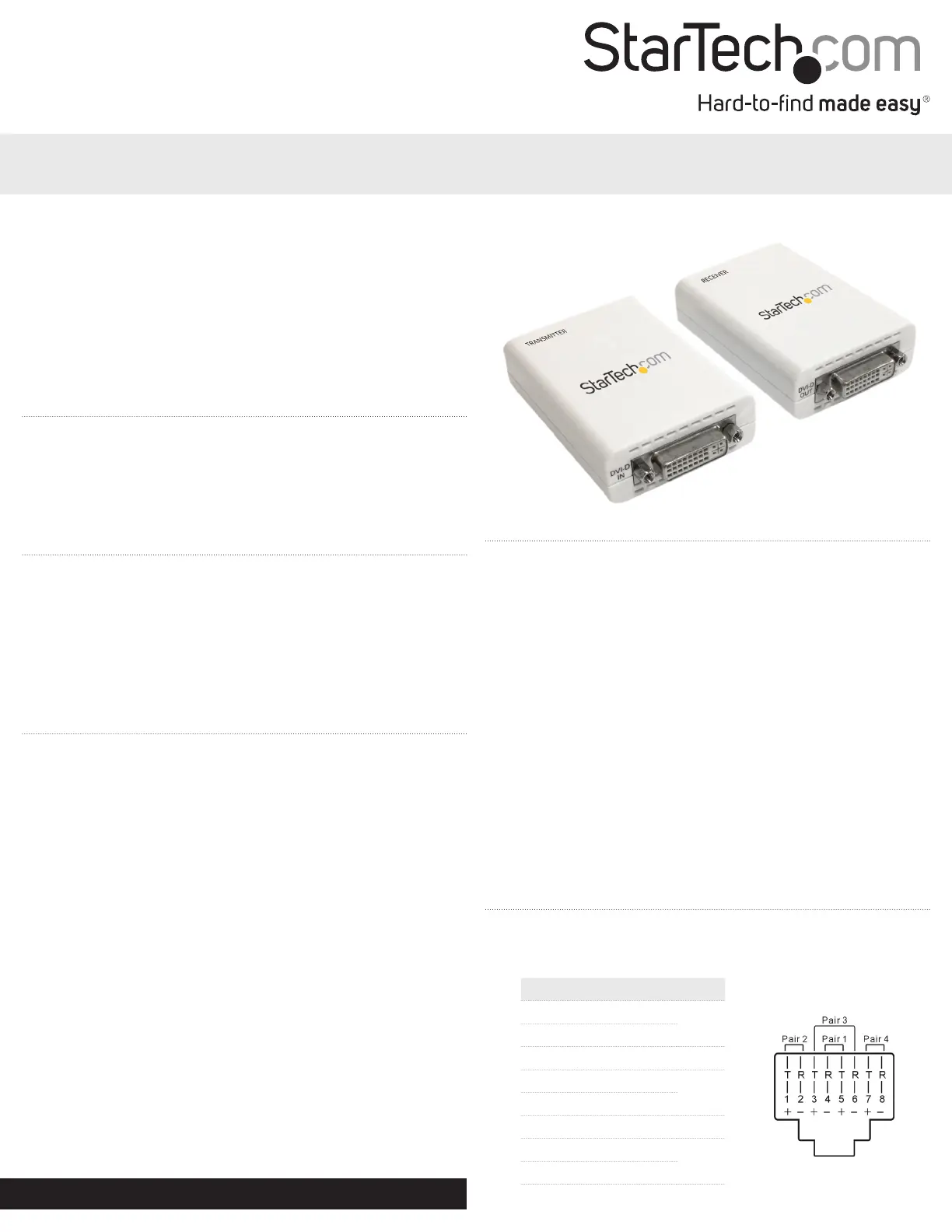
Instruction Manual
DE: Bedienungsanleitung - de.startech.com
FR: Guide de l'utilisateur - fr.startech.com
ES: Guía del usuario - es.startech.com
IT: Guida per l'uso - it.startech.com
NL: Gebruiksaanwijzing - nl.startech.com
PT: Guia do usuário - pt.startech.com
Manual Revision: 09/01/2011
For the most up-to-date information, please visit: www.startech.com
Packaging Contents
• 1xVideoExtenderTransmitter
• 1xVideoExtenderReceiver
• 2xUniversalPowerAdapter
• 1xInstructionManual
System Requirements
• DVI-D/HDMIenabledvideosourcedevice(e.g.computer)
• DVI-D/HDMIenableddisplaydevice(e.g.monitor,projector)
• AvailableACelectricaloutletfortransmitterandreceiver
• DVI-D/HDMIcablefromreceivertodisplay
• DVI-D/HDMIcablefromvideosourcetotransmitter
• Cat6UTPEthernetcable(see“PreparingYourSite”)
ST121DVI25
ST121HD25
DVI Video Extender over Cat 6 UTP
High Speed HDMI® over Cat 6 UTP
Installation
1. Turnothevideosource(i.e.computer)andtheintendeddisplay
device(i.e.monitor).
2. PositiontheReceiverUnitneartheremotedisplay.
3. PositiontheTransmitterUnitnearthevideosource.
4. ConnectthevideosourcetotheDVI/HDMIportontherearpanel
oftheTransmitterUnit,usingamale/malecable.
5. ConnecttheremotedisplaytotheDVI/HDMIportlocatedonthe
rearpaneloftheReceiverUnitusingamale/malecable.
6. ConnecttheTransmitterUnittotheReceiverUnit,usingstandard
RJ45terminatedUTPCat6cable(see“PreparingYourSite”).
7. Connectthepoweradapters(provided)tobothTransmitterand
ReceiverUnits.
NOTE:BothunitscanalsobepoweredfromalocalUSBport,by
usingaUSBcable(soldseparately).Youmayalsoonlyconnect
powertotheTransmitterUnit,howevermaximumUTPcablelength
willbereducedto20m.
8. Turnonthedisplaydevicerst,followedbythevideosource.
Preparing Your Site
1. Determinewherethelocalvideosource(i.e.computer)willbe
locatedandsetupthedevice.
2. Determinewheretheremotedisplaywillbelocatedandplace/
mountthedisplayappropriately.
Please notethatbothextenderunitswillrequireapower
connection,sopleaseensurethateachunitwillbesituatednearan
availableACelectricaloutlet.
3. Ifyouareusingsurfacecabling,ensureyouhaveenoughCat6
unshieldedtwistedpair(UTP)Ethernetcablingtoconnectthe
LocalUnittotheRemoteUnit’slocation,andthateachendis
terminatedwithaRJ45Ethernetconnector.Thecablingshould
notgothroughanynetworkingequipment(i.e.router,switch).
OR
Ifyouareusingpremisecabling,ensurethattheCat6unshielded
twistedpair(UTP)EthernetCablingbetweentheLocalUnitand
theRemoteUnithasbeenproperlyterminatedinawalloutlet/
panelineachlocationandthereisapatchcablelongenoughto
connecttheRemoteUnitandtheLocalUnittotheirrespective
outlets.Thecablingshouldnotgothroughanynetworking
equipment(i.e.router,switch).
Wiring Diagram
TheUTPcablemustbewiredaccordingtotheEIA/TIA568Bindustry
standardasshownbelow.
Pin Wire Color Pair
1 White/Orange
2
2 Orange
3 White/Green 3
4 Blue
1
5 White/Blue
6 Green 3
7 White/Brown
4
8 Brown
*actual product may vary from photos
ST121DVI25
Problemløsning StarTech.com ST121DVI25
Hvis du har læst manualen omhyggeligt, men ikke fundet en løsning på dit problem, bed andre brugere om hjælp
Specifikationer
| Type: | AV sender & modtager |
| Vægt: | 110 g |
| Brugervejledning: | Ja |
| Produktfarve: | Hvid |
| Strøm: | 1 A |
| Pakkevægt: | 500 g |
| Opbevaringstemperatur (T-T): | 0 - 60 °C |
| Relativ luftfugtighed ved drift (H-H): | 20 - 90 % |
| Driftstemperatur (T-T): | 0 - 40 °C |
| Maksimal opløsning: | 1920 x 1080 pixel |
| Dimensioner (BxDxH): | 55 x 80 x 23 mm |
| DC-in-stik: | Ja |
| LED-indikatorer: | Strøm |
| Driftsspænding: | 5 V |
| Maksimal overførselsafstand: | 25 m |
| Ekstern strømadapter: | Ja |
| RJ-45 indgangs-porte: | 1 |
| Understøttede kabeltyper: | Cat6 |
| RJ-45 udgangs-porte: | 1 |
| DVI indgangs-porte: | 1 |
| DVI udgangs-porte: | 1 |