StarTech.com
Wifi repeater
EOC1110R
StarTech.com EOC1110R Brugsanvisning
Her er StarTech.com EOC1110R (Wifi repeater) brugervejledning. 2 sider på sprog med en vægt på 388,474.0 Mb. Hvis du ikke kan finde svar på dit problem Spørg vores community.
Side 1/2
Instruction Manual
DE: Bedienungsanleitung - de.startech.com
FR: Guide de l'utilisateur - fr.startech.com
ES: Guía del usuario - es.startech.com
I T: Guida per l'uso - it.startech.com
NL: Gebruiksaanwijzing - nl.startech.com
JP: 取扱説明書 - jp.startech.com
Manual Revision: 10/02/2018
For the most up-to-date information, please visit: www.startech.com
Packaging Contents
SKU EOC1110K:
• 2 x Ethernet over Coax converter box
• 2 x Universal Power Adapter (NA/UK/EU/AU)
SKU EOC1110R
• 1 x Coax to Ethernet Media Receiver
• 1 x Universal Power Adapter (NA/UK/EU/AU)
• 1 x Instruction Manual
System Requirements
• 10/100/1000Mbps compatible Ethernet network/equipment
• Coaxial cabling (RG-59/6/7/11)
• Available AC power outlet at converter box locations
EOC1110K / EOC1110R
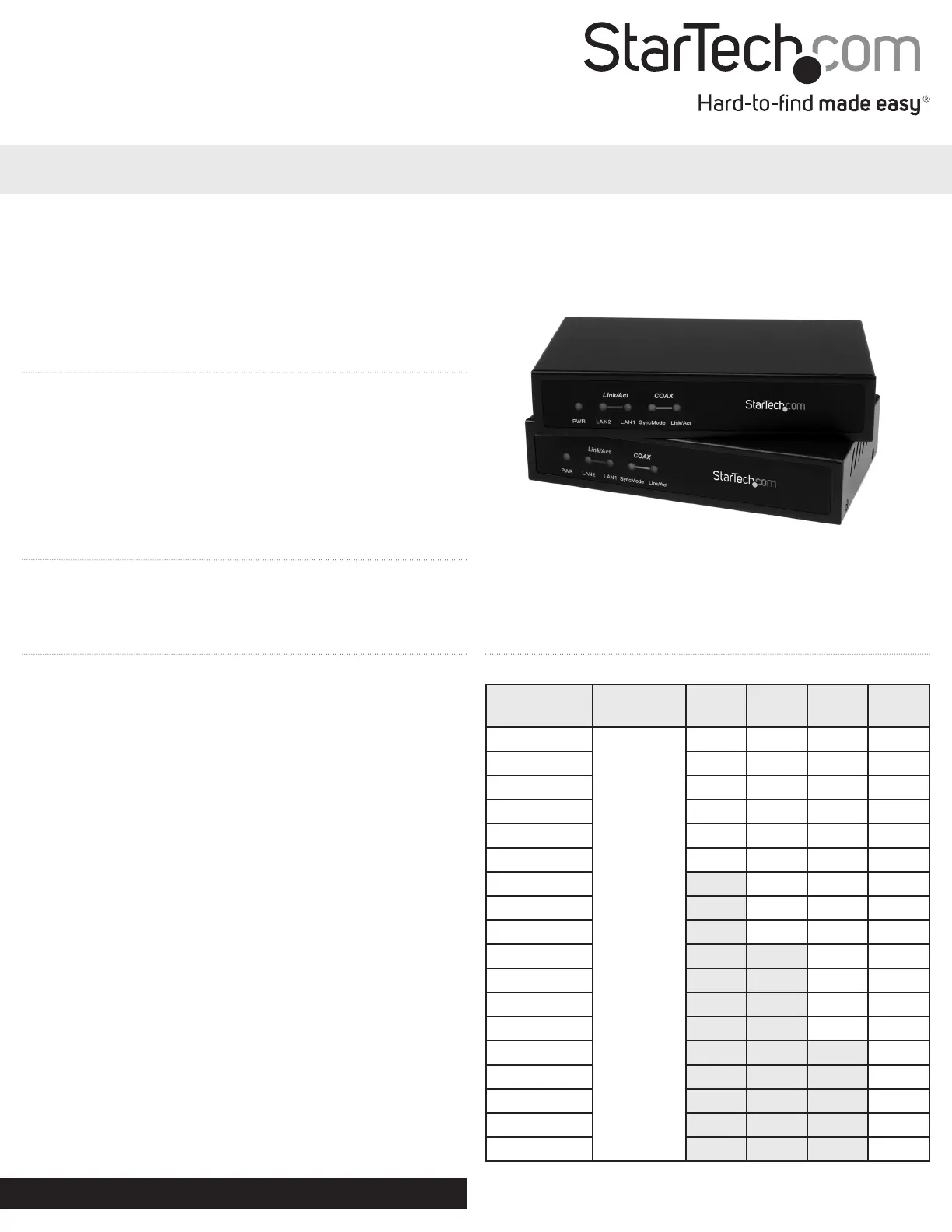
Gigabit Ethernet LAN Over Coaxial Extender Kit/Receiver - 2.4km
*actual product may vary from photos
Installation
Hardware Installation
NOTE: Both of the converter boxes in the EOC1110K kit are identical,
so they can be installed at either end, in any order.
1. At one of the locations for the converter box, connect an RJ45
Ethernet cable from the existing Ethernet network or computer
network adapter to the “LAN” port on the converter box.
2. Connect the coax cable to the “Link” F-Connector on the converter.
OPTIONAL: If also transmitting analog cable TV signals over the
coax line, connect the CATV F-Connector to a TV or TV receiver.
Digital cable TV signals are not supported.
3. Connect the included power adapter. The power LED should
light up solid. The LAN Link/Act LED should light up solid when
successfully connected to an Ethernet device on the “LAN” port.
4. Setup the other converter boxes by following the same Steps 1~4
5. Once both units are setup, they should be able to automatically
locate one another over the coax cabling. The Coax Link and Sync
LEDs should stay solid once communication is established. The
Coax Link LED will ash during communication.
6. The devices plugged into the “LAN” ports should now be able to
communicate with one another freely.
Driver Installation
No driver or software installation is required for these converters on
any connected computer systems.
Cable Lengths
Maximum bandwidth (Mbps) based on coaxial cable type and length.
Distance
RF
Bandwidth
RG-59 RG-6 RG-7 RG-11
100m ~ 700m
< 30MHz
144 144 144 144
800m 128 144 144 144
900m 112 144 144 144
1000m 96 128 144 144
1100m 80 128 144 144
1200m 64 112 128 144
1300m 80 128 144
1400m 80 128 144
1500m 64 112 144
1600m 96 128
1700m 80 128
1800m 80 128
1900m 64 112
2000m 112
2100m 96
2200m 80
2300m 80
2400m 64
Problemløsning StarTech.com EOC1110R
Hvis du har læst manualen omhyggeligt, men ikke fundet en løsning på dit problem, bed andre brugere om hjælp
Specifikationer
| Type: | Netværksmodtager |
| Vekselstrømsindgangsspænding: | 110-240 V |
| Bredde: | 300 mm |
| Dybde: | 90 mm |
| Højde: | 90 mm |
| Vægt: | 140 g |
| Brugervejledning: | Ja |
| Produktfarve: | Sort |
| Pakkevægt: | 708 g |
| Pakkedybde: | 234 mm |
| Pakkebredde: | 189 mm |
| Pakkehøjde: | 79 mm |
| Opbevaringstemperatur (T-T): | -10 - 70 °C |
| Relativ luftfugtighed ved drift (H-H): | 10 - 90 % |
| Ethernet LAN-porte (RJ-45): | 1 |
| Strømforbrug (typisk): | 4 W |
| Driftstemperatur (T-T): | 0 - 50 °C |
| Netværksstandarder: | IEEE 802.3ab |
| LED-indikatorer: | LAN, Power, Status |
| Udgangsspænding: | 12 V |
| Udgangsstrøm: | 1 A |
| Maksimal overførselsafstand: | 2400 m |
| Strøm over Ethernet (PoE): | Ingen |
| Gennemsnitstid mellem fejl (MTBF): | 57000 t |
| Dataoverførselshastighed: | 112 Mbit/s |