StarTech.com CB2EC Brugsanvisning
Her er StarTech.com CB2EC (Powerline adapter) brugervejledning. 2 sider på sprog med en vægt på 398,910.0 Mb. Hvis du ikke kan finde svar på dit problem Spørg vores community.
Side 1/2
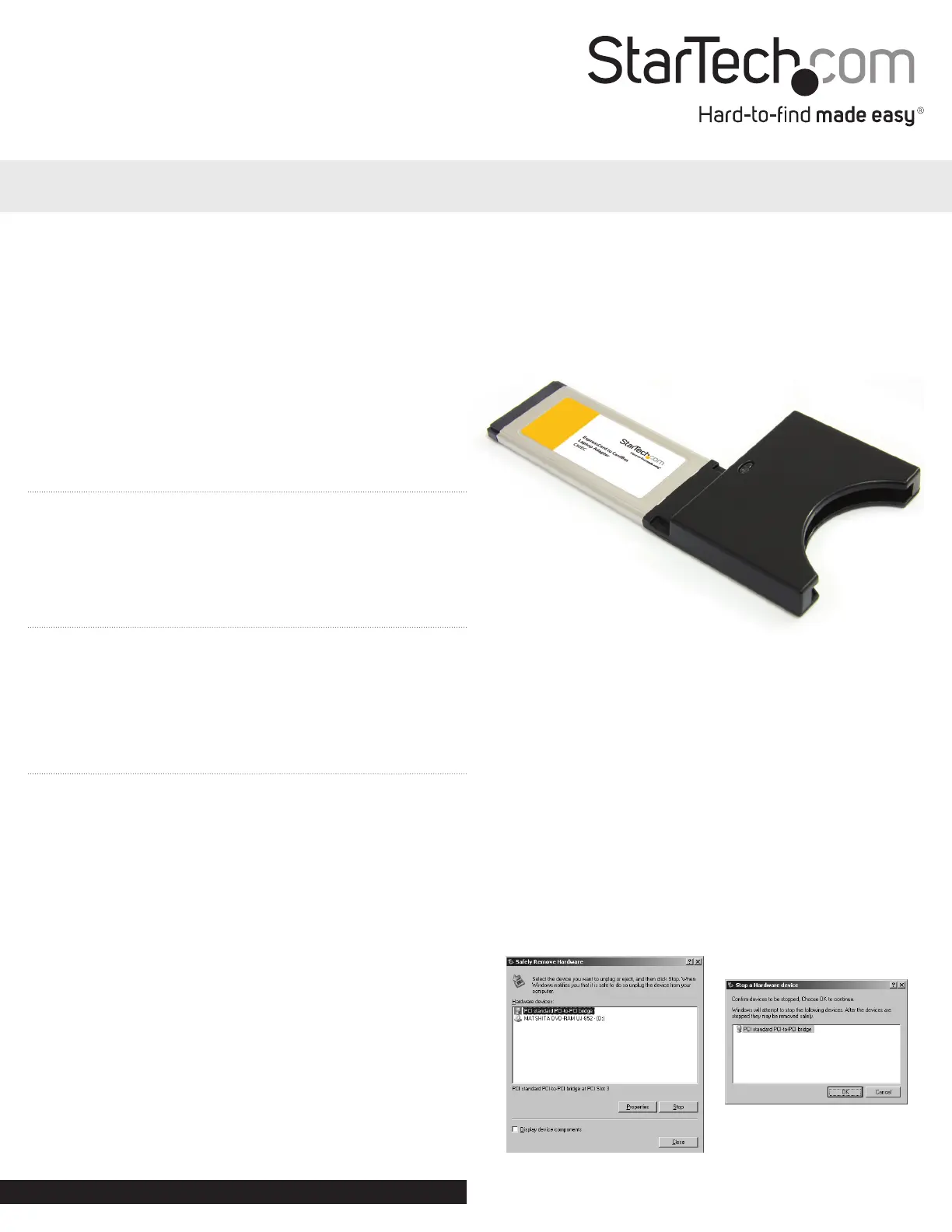
ExpressCard to CardBus Laptop Adapter
CB2EC
DE: Bedienungsanleitung - de.startech.com
FR: Guide de l’utilisateur - fr.startech.com
ES: Guía del usuario - es.startech.com
IT: Guida per l’uso - it.startech.com
NL: Gebruiksaanwijzing - nl.startech.com
PT: Guia do usuário - pt.startech.com
System Requirements
• A computer with an available ExpressCard Slot
• Microsoft® Windows® XP/ Vista/ Server 2008 R2/ 7, or
Apple® Mac OS® X, or Linux®
Package Contents
• 1 x ExpressCard to CardBus Adapter
• 1 x Instruction Manual
Installation
To install CB2EC:
1. With the host computer in a powered state, insert CB2EC into an
available ExpressCard slot, label side up, until it is seated rmly
within the slot. Once connected, a green light will illuminate.
2. The necessary drivers install automatically once the card is
inserted in the slot. On Windows computers, a series of messages
will appear in the taskbar (typically in the bottom right corner of
the screen, near the clock), and will conclude with a nal message
indicating that installation was successful. CardBus cards can now
be inserted in the slot provided by CB2EC.
3. Some CardBus cards may need to be inserted into the CB2EC
before it is inserted into the ExpressCard slot.
To remove CB2EC:
To ensure the safe removal of CB2EC from the host computer:
1. Click on the Safely Remove Hardware icon located in the taskbar,
near the clock (typically).
2. When the Safely Remove Hardware window opens, you will be
asked to select the device you wish to remove. Please choose PCI
Standard PCI-to- PCI Bridge and click on Stop.
3. When the Stop a Hardware Device window opens, please
highlight PCI Standard PCI-to-PCI Bridge and click on OK. A
message will appear, indicating that it is now safe to remove the
CardBus card from the computer.
Instruction Manual
*actual product may vary from photos
Manual Revision: 09/13/2011
For the most up-to-date information, please visit: www.startech.com
Problemløsning StarTech.com CB2EC
Hvis du har læst manualen omhyggeligt, men ikke fundet en løsning på dit problem, bed andre brugere om hjælp
Specifikationer
| Bredde: | 64 mm |
| Dybde: | 128 mm |
| Højde: | 12 mm |
| Vægt: | 41 g |
| Brugervejledning: | Ja |
| Produktfarve: | Black, Metallic |
| Pakkevægt: | 160 g |
| Pakkedybde: | 220 mm |
| Pakkebredde: | 160 mm |
| Pakkehøjde: | 48 mm |
| Certificering: | CE, FCC |
| Harmoniseret systemkode (HS): | 84733020 |
| Bæredygtighedscertifikater: | RoHS |
| Værtsgrænseflade: | ExpressCard |
| Intern: | Ingen |
| Output-grænseflade: | Type I/II CardBus |
| Chipsæt: | XIO2000A |