Panasonic Toughbook CF-20 MK2 Brugsanvisning
Her er Panasonic Toughbook CF-20 MK2 (Tablet) brugervejledning. 24 sider på sprog med en vægt på 2,540,236.0 Mb. Hvis du ikke kan finde svar på dit problem Spørg vores community.
Side 1/24
Contents
OPERATING INSTRUCTIONS
Read Me First
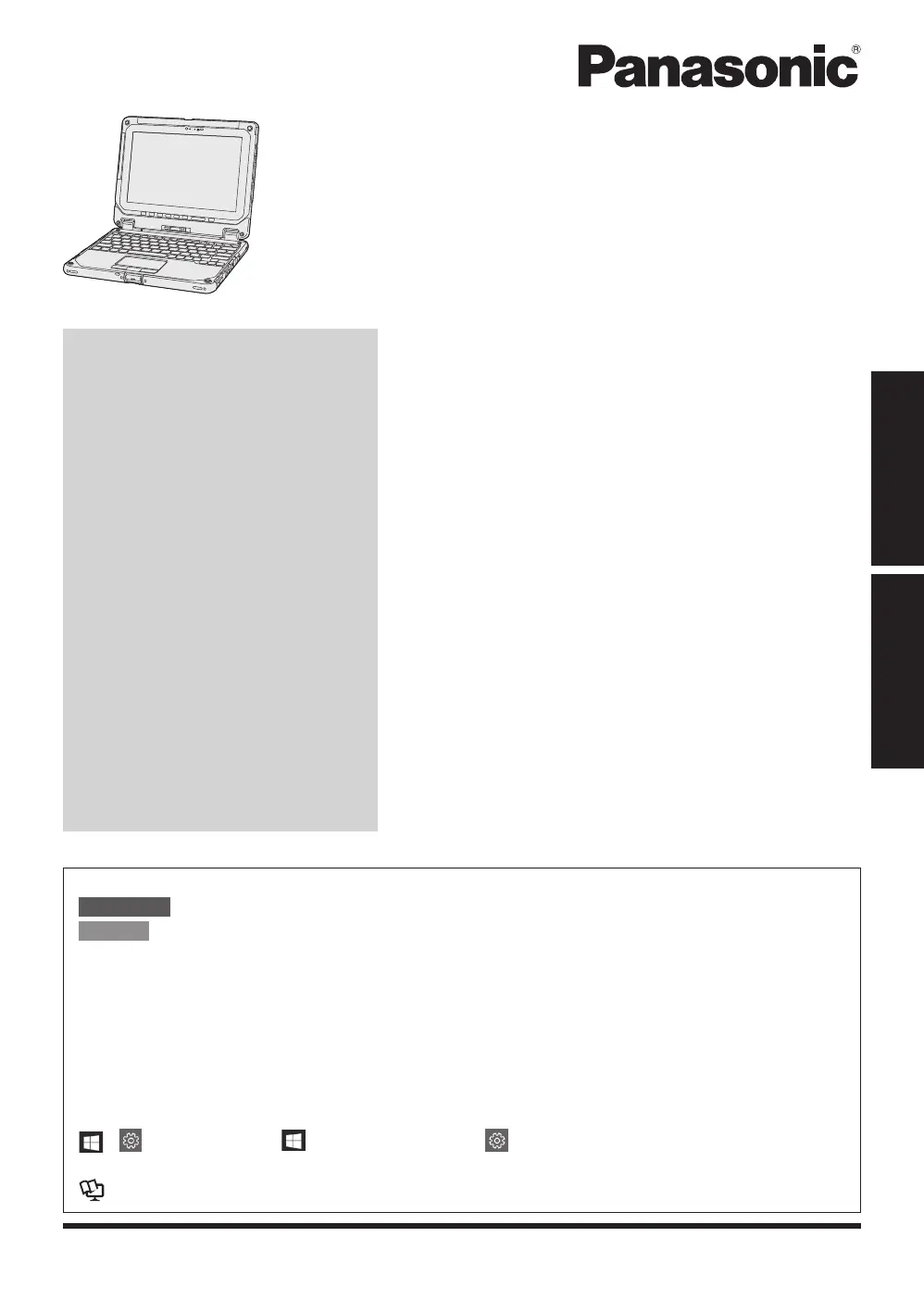
Personal Computer
Model No.
CF-20
series
Please read these instructions carefully before using this product, and save this manual for future use.
Update the on-screen manuals.
In these instructions, the names and terms are referred as follows.
: Conditions that may result in minor or moderate injury.
: Useful and helpful information.
“Windows 10 Pro 64-bit” as “Windows” or “Windows 10”
This manual explains operation procedures using the touchpad or mouse as typical exam-
ples. In addition, you can touch the display screen to operate the computer.
When using the touch operation, please replace the terms as described below, and read the
instructions.
Operation terms to be replaced:
- Click → Touch
- (Settings): Click (Start) and then click (Settings).
è
: Page in these Operating Instructions.
: Reference to the on-screen manuals.
Getting Started
First-time Operation .....................................
14
Detaching the tablet from the keyboard base
....
19
Attaching the tablet to the keyboard base
......
21
Read Me First
Safety Precautions .........................................
2
Regulatory Information ...................................
8
n
Terms and illustrations in these instructions
CAUTION
NOTE
Read Me FirstGetting Started
Problemløsning Panasonic Toughbook CF-20 MK2
Hvis du har læst manualen omhyggeligt, men ikke fundet en løsning på dit problem, bed andre brugere om hjælp
Specifikationer
| Mærke: | Panasonic |
| Kategori: | Tablet |
| Model: | Toughbook CF-20 MK2 |