Panasonic KX-MB1520SL Brugsanvisning
Her er Panasonic KX-MB1520SL (Printer) brugervejledning. 88 sider på sprog Engelsk med en vægt på 4.8 Mb. Hvis du ikke kan finde svar på dit problem Spørg vores community.
Side 1/88
Operating Instructions
Multi-Function Printer
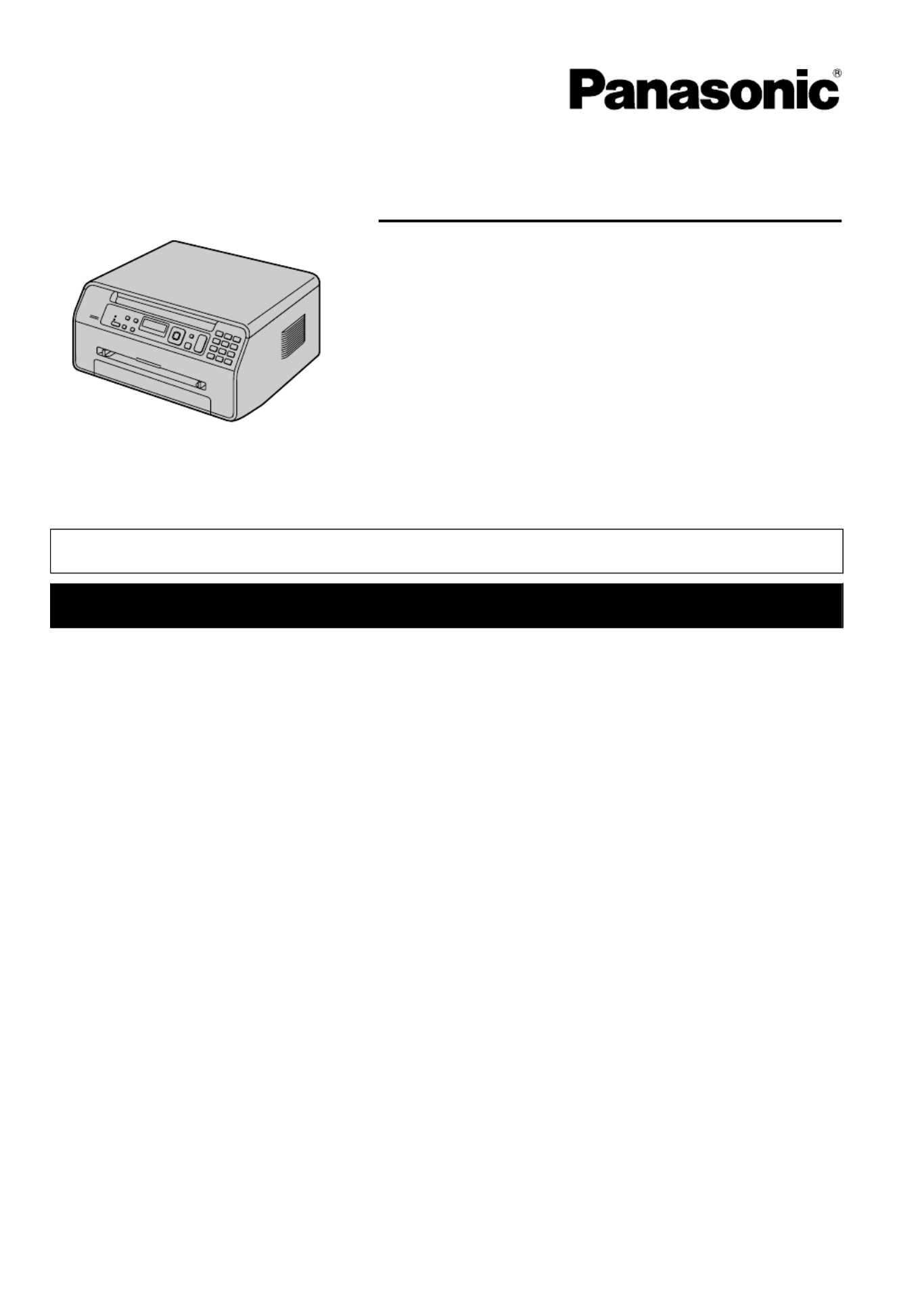
The pictured model is KX-MB1500.
Model No. KX-MB1500BL
KX-MB1520BL
KX-MB1500GX
KX-MB1500FR
KX-MB1520FR
KX-MB1520SP
KX-MB1520G
KX-MB1520NL
KX-MB1500G
KX-MB1520JT
KX-MB1500SL
KX-MB1520SL
RDo NOT connect the unit to a computer with the USB cable until prompted to do so during the setup
of Multi-Function Station (CD-ROM).
FOR ENGLISH USERS:
You can select English for the display and report (feature #110, page 50).
KX-MB1520 only:
RThis unit is compatible with Caller ID. Subscription to the appropriate service through your service
provider/telephone company is required.
For Caller ID service availability, contact your telephone company.
RCaller ID feature is not available for KX-MB1520NL. See page 3 for details about the availability
of related features.
KX-MB1520SP only:
RDesigned to be used in Spain and Portugal according to the location setting feature. The default
setting is Spain. To change the location setting, see page 50 (feature #114).
Problemløsning Panasonic KX-MB1520SL
Hvis du har læst manualen omhyggeligt, men ikke fundet en løsning på dit problem, bed andre brugere om hjælp
Specifikationer
| Mærke: | Panasonic |
| Kategori: | Printer |
| Model: | KX-MB1520SL |